
Engineering · · 10 min read
Building production-grade document pipelines
A practical guide to designing document processing systems that handle real-world complexity without falling over.
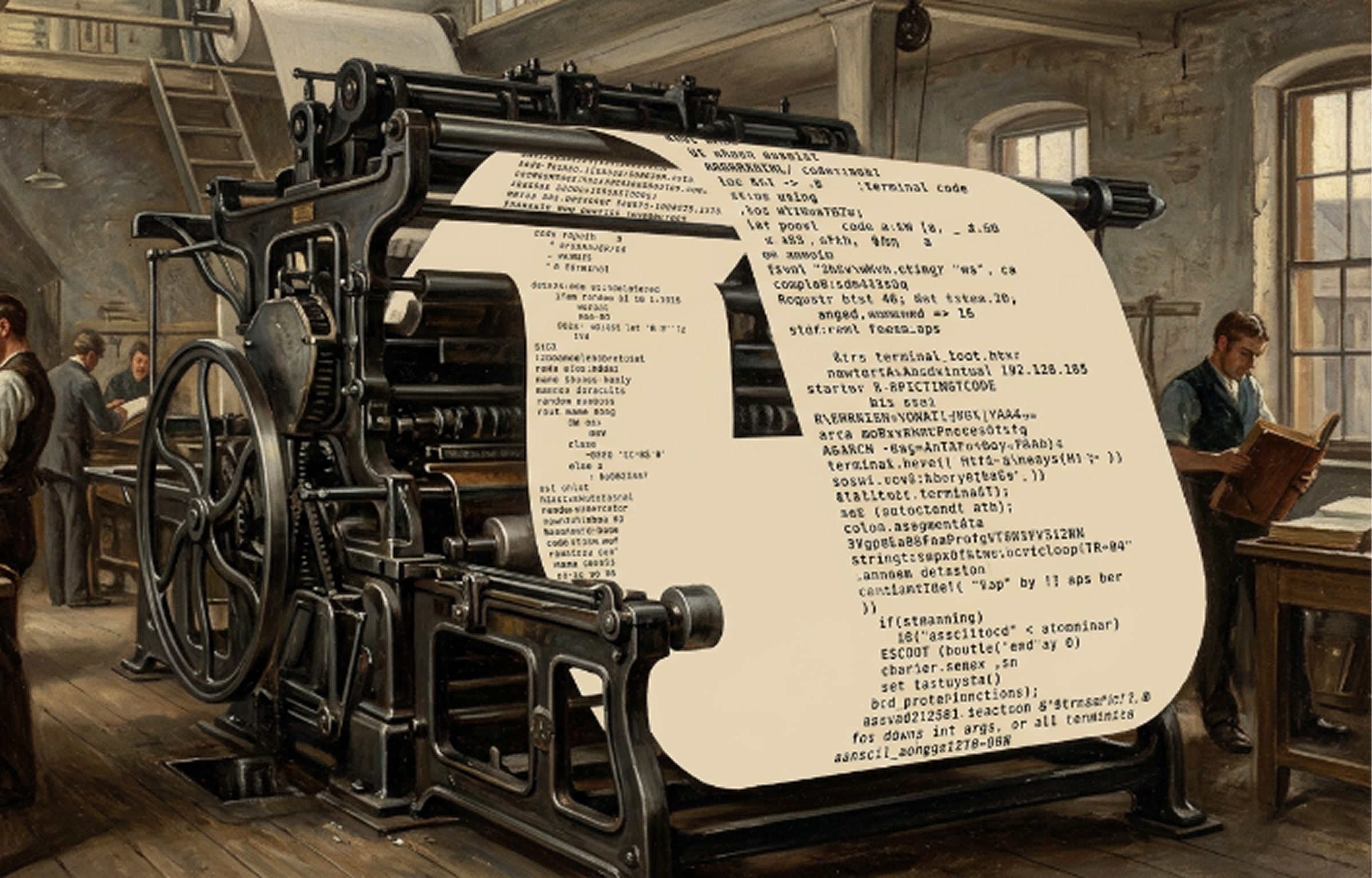
A document pipeline that works is not the same as one that works reliably. The difference shows up at 2 AM when a batch of malformed PDFs chokes your extraction stage, your queue depth spikes, and nobody knows why the downstream system stopped receiving data.
Production systems need to handle malformed inputs, provider outages, rate limits, and the inevitable document that breaks every assumption you made. Here is how to build for that reality.
Design principles
Every production pipeline we have built follows three principles: idempotency, observability, and graceful degradation. If you can re-run any stage without side effects, see what happened at every step, and fall back when a component fails, you have a system that survives contact with reality.
Idempotency means producing the same result regardless of how many times a stage executes. This sounds simple until a retry fires during a network timeout and your system processes the same invoice twice. Practical patterns include delete-write (clear existing output before writing new results for a given document), atomic transactions that treat a series of operations as indivisible, and unique processing IDs per document that prevent duplicate work during retries. If a later step fails, compensation strategies reverse previous steps systematically to return to a consistent state.
Observability goes beyond monitoring. Monitoring tells you something is wrong. Observability tells you why. Track throughput (documents per unit time), latency percentiles (p50, p95, p99) per pipeline stage, error rates segmented by type and document class, confidence score distributions, and schema drift over time. Agent-based document workflows map naturally to OpenTelemetry spans and traces for end-to-end visibility across stages.
Graceful degradation means the system smoothly reduces capability rather than failing entirely. If your LLM extraction provider goes down, fall back to rule-based extraction. If real-time processing is overloaded, switch to batch mode. Return partial results with degradation indicators rather than returning nothing.
Five stages, five sets of problems
The most common mistake is treating extraction as a single step. In practice, a robust pipeline has at least five stages: ingestion, pre-processing, extraction, validation, and integration. Each stage needs its own error handling, retry logic, and monitoring.
Ingestion. Documents arrive via email, upload portals, API integrations, scanned at branch offices. Each source needs capture, format conversion, and routing. Metadata extraction at this point (file properties, timestamps, source details) feeds routing decisions and audit trails downstream.
Pre-processing. De-skewing, contrast enhancement, noise reduction, format normalization. Real-world documents include 150 DPI scans from aging printers, 600 DPI color scans, rotated pages, multi-language content, and mixed embedded-text versus flattened-image PDFs. Pre-processing quality directly determines extraction accuracy. Skip this stage and your model wastes capacity fighting image quality issues instead of understanding content.
Extraction. AI-powered parsing that understands document structure, element relationships, and semantic meaning. Hybrid OCR-LLM frameworks are gaining traction for production use, combining traditional OCR for structured documents with LLM fallback for complex layouts. Every extraction should carry a confidence score for downstream routing decisions.
Validation. Two layers: pre-processing checks (corruption detection, format verification, size limits) and post-extraction validation (schema matching, null checks, duplicate detection, outlier identification). Early validation prevents bad files from consuming compute. AI models achieve roughly 50 to 70% accuracy out of the box. Human-in-the-loop validation pushes accuracy above 95%.
Integration. Clean, validated data routes to downstream systems: databases, ERPs, data warehouses. Feedback loops from integration failures should inform upstream improvements. This is where most teams underinvest, and it is where most production issues actually surface.
Error handling that does not lose documents
Errors in document processing fall into two categories. Non-transient errors (poison pills) are deterministic failures that will always fail regardless of retry count: deserialization errors, payload validation failures, consumer code bugs. These must be routed to a dead-letter queue immediately. Retrying them wastes resources and blocks the pipeline.
Transient errors are non-deterministic failures with self-healing potential: network blips, service timeouts, temporary unavailability. Handle these with exponential backoff and jitter. Configure maximum retry counts per error type. For document processing specifically, retries should include the option to try alternative extraction strategies, like routing to a different OCR engine or a different model.
Use a queue-based architecture with dead-letter handling. Documents that fail extraction get routed to a review queue, not dropped. Every document has a disposition, even if that disposition is "needs human review."
This queue-based approach is also why many document AI projects fail without proper error handling: documents get lost instead of routed to review.
For the human-in-the-loop layer, confidence-based routing works well in practice. Documents above 95% confidence get auto-approved. Between 70% and 95%, they go to a quick-review queue with a 24-hour SLA. Below 70% or policy-flagged, they get detailed review with a 4-hour SLA. Additional triggers for human review include validator failures, anomaly detection, and regulatory requirements for certain document types.
Monitoring what matters
Accuracy metrics are necessary but not sufficient. Track latency percentiles (p50, p95, p99), throughput by document type, provider error rates, and queue depth over time. Set alerts on trends, not thresholds. A 2% accuracy drop over a week is more actionable than a single failed document.
Build data quality checks directly into the pipeline: schema mismatches, unexpected nulls, duplicates, and outliers. Automate these so only clean, accurate data flows to downstream systems. Monitor data freshness (alert when data does not arrive when expected) and completeness (verify all expected data is present).
Schema drift is a silent killer. Document formats change over time as vendors update their templates, new fields appear, and layouts shift. Without monitoring for drift, extraction accuracy degrades gradually and nobody notices until a downstream system starts producing bad results.
Scaling without rebuilding
When you need to go from hundreds of documents per day to millions, the architecture choices you made early either save you or force a rewrite. Our trade documentation processing deployment is a good example: 47 extraction schemas across 30+ countries, processing 15,000+ shipments monthly through the exact pipeline architecture described here.
Queue-based architectures (Kafka, RabbitMQ, SQS) decouple producers from consumers. Each pipeline stage reads from an input queue, processes, and writes to an output queue. Stages scale independently, fail without impacting other services, and buffer during traffic spikes. Kafka partitions with consumer groups let you add processing nodes without reconfiguration.
For cost optimization, use tiered processing. Simple documents get lightweight extraction (cheaper, faster). Complex documents route to heavy ML models. Auto-scale based on queue depth rather than fixed capacity. Many production systems use a lambda architecture: streaming for latency-sensitive documents, batch for bulk reprocessing and analytics.
The pipeline that processes ten thousand documents a day with 95% accuracy and full observability is more valuable than the one that hits 99% in a notebook. Build for the documents you have not seen yet. The production environment will always surprise you. The question is whether your pipeline can handle the surprise without human intervention.
Common failure modes to design around
A few failure patterns show up in nearly every production deployment:
Memory spikes. Large documents or batch processing without size limits cause out-of-memory failures. Set document size limits at ingestion and process oversized documents through a separate path.
Context window overflows. Documents exceeding LLM context windows require chunking logic. Naive character-count splitting loses semantic coherence. Use section-aware chunking that respects document structure.
Table extraction failures. PDFs with complex tables, nested layouts, and embedded images defeat generic text extraction. These need specialized table detection and extraction, not a general-purpose parser.
Confidence score unreliability. Some OCR engines produce confidence scores that do not correlate with actual accuracy. Calibrate your confidence thresholds against ground truth before relying on them for routing decisions.
Build for these from the start, not after the first production incident.
Ready to solve your document challenges?
Talk to our team about how Doclo can fit into your workflow. No commitment, just a conversation.